Agents vs Workflow Automation Software: How to Choose
How to compare enterprise agents with workflow automation and RPA tools, when each one fits, and why most production systems end up using both.

Co-Founder & Director of Engineering
· 4 min read
On this page · 6 sections
Key takeaways
- Workflow software follows steps you define. An agent decides its own next step. Pick by how much the work varies, not by which sounds newer.
- If you can draw the process as a fixed flowchart, use workflow software. If the input is messy text or each case needs judgment, an agent may help.
- Agents cost more per run because every step is a model call. Set a turn limit and a spend limit in code, and keep hard rules in the workflow so they run every time.
- Most production systems mix both: a workflow controls the steps and calls an agent only where judgment is needed.
Every operations leader is now asked some version of the same question: should we buy more workflow automation, or build agents? Vendors on both sides make it sound like a choice between the past and the future. It is a choice between two tools that solve different problems.
This post explains how to compare them, when each one fits and how to combine them. For a deeper look at document work in particular, read our guide to AI automation vs AI agents.
What each one does
Workflow automation software runs steps you define. A trigger starts the flow, each step does one job, and the order is the same every time. This covers integration tools that move data between apps, business process tools that route approvals, and robotic process automation (RPA), which copies what a person does on a screen. Many of these tools now add AI steps, such as reading a document or drafting a reply, inside a fixed flow.
An agent uses a language model to decide its own next step. It reads the task, picks a tool, looks at the result and decides what to do next, until the job is done or a limit is reached. Our post on agentic AI for enterprise covers how this works in practice.
The core difference is who decides the path. In workflow software, you do. In an agent, the model does, inside limits you set.
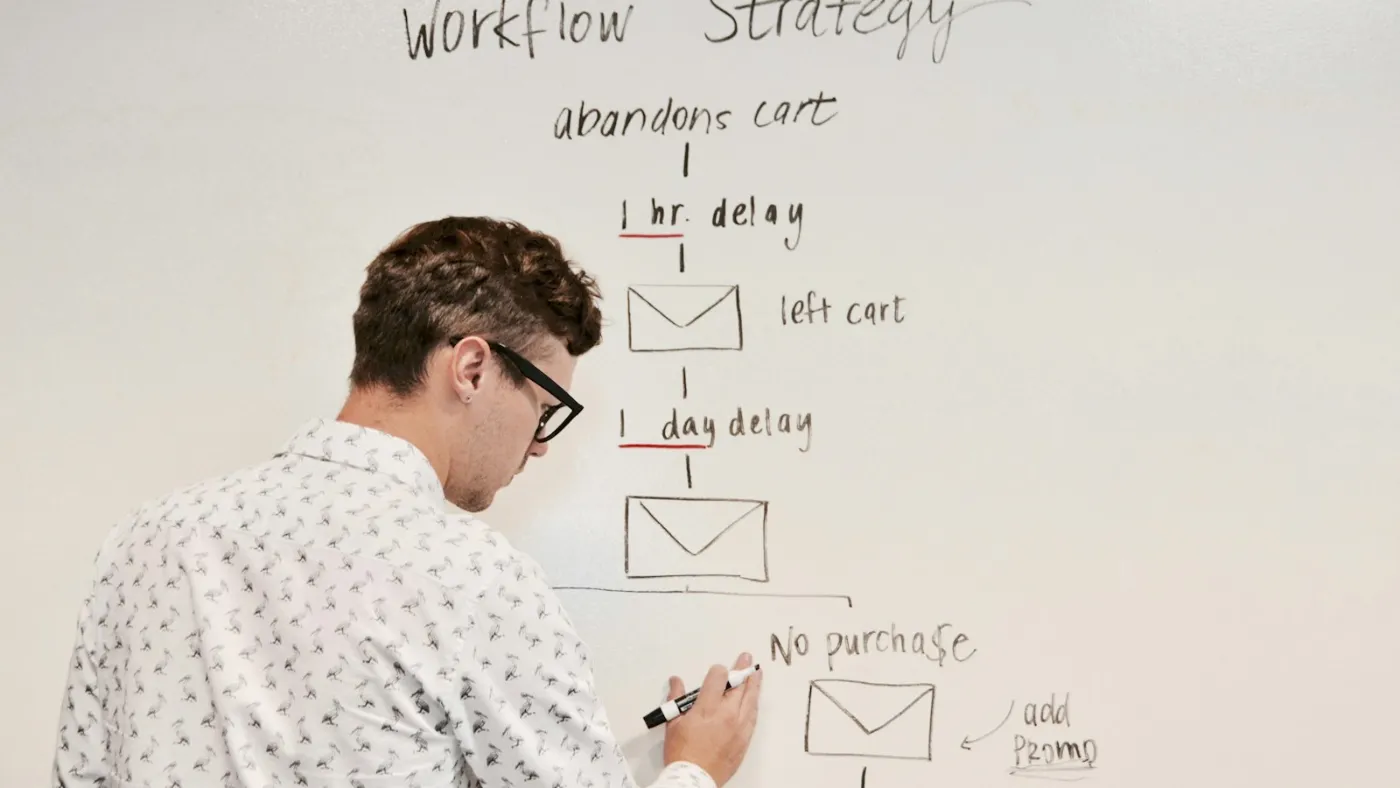
A simple test: can you draw it?
If you can draw the process as a fixed flowchart, use workflow software. Examples include moving a signed contract into the CRM, sending an approval request when an invoice passes a threshold, or creating a ticket from a form.
If the input is messy text or each case needs judgment, an agent may help. Examples include reading a supplier email and deciding what it asks for, comparing a contract against a playbook, or researching a customer across several systems before a call.
Most real processes have both kinds of step. That is why the best answer is often a mix.
How to compare them
| Question | Workflow software | Agent |
|---|---|---|
| Who decides the next step? | You, in the flow design | The model, inside your limits |
| Best input | Structured fields and fixed formats | Messy text, documents, open questions |
| Same result every run? | Yes | Not always, so test with real cases |
| Cost per run | Low and predictable | Higher, and grows with each model call |
| How you audit it | Read the flow | Read the trace of every step and tool call |
| What breaks it | A changed screen or field | A case the model misreads |
The costs people miss
Agents cost more per run because every step is a model call. A long task can make many calls, so set a turn limit and a spend limit in code. Our guide to the agent harness shows how to build both.
Workflow software has its own hidden cost. Screen-based RPA can break when an application changes its layout, and fixed flows need a new branch for every exception someone finds. If your team spends more time fixing flows than running them, the process may have more judgment in it than the tool can handle.
How to combine them
The pattern we use most in production is simple. A workflow controls the steps. It calls an agent only where judgment is needed, such as reading an email or classifying a document. Hard rules stay in the workflow, so they run every time:
- Anything that moves money or changes a customer record waits for a person.
- The agent can only use the tools the step needs.
- Every agent call is logged with its input, output and cost.
This gives you the flexibility of an agent where it helps and the predictability of a workflow everywhere else. Our post on securing AI agents covers how to set those limits.
Which to choose
Start from the process, not the tool. Write down each step, mark which ones need judgment, and count how often the input changes shape. If almost nothing needs judgment, buy or extend workflow software. If several steps need it, consider an agent for those steps inside a workflow. If you are unsure, test both on a sample of real cases and compare accuracy, cost per run and time to fix a failure.
EdgeFirm builds both kinds of system. The intelligent process automation page covers document and back-office workflows, and the AI agent development page covers agents that connect to your CRM, ERP and internal tools. The price is fixed before coding begins, it starts from $20K, and you own all source code at go-live. If you want a second view on a process, book a 30-minute strategy call with the founders.
Frequently asked questions
Workflow software runs the steps you define, in the same order every time. An agent uses a language model to choose its own next step and which tool to call.
When you can draw the process as a fixed flowchart, the inputs are structured and every run must be the same. It is cheaper to run and easier to audit.
When the input is messy text, each case needs judgment, or the right next step depends on what the last one found. Keep a person on any step that moves money or changes a record.
Yes, and most production systems do. A workflow controls the steps and calls an agent only for the parts that need judgment, such as reading an email or a contract.
Topics
- workflow automation
- RPA
- agentic AI
- process design

Written by
Co-Founder & Director of Engineering
Usman brings 8+ years of experience building enterprise systems. He specializes in system architecture, DevOps, and data pipelines that power production AI.